claude code
content pipeline
One command turns Claude Code into a full-time content director. It scrapes your niche, writes your scripts, and edits your videos — automatically.
scroll to explore
00
one-time setup
setup
configure once — run forever
Drop your CLAUDE.md into the project root. Add your skill files and brand DNA. Set your Apify API token in .env. This is your creative brain — every reel after this follows the same pipeline automatically.

CLAUDE.md
pipeline rules + brand voice
/script skill
reel writing automation
/content-plan
weekly brief machine
brand-dna.md
visual identity lock
patterns.md
scraped reel patterns
.env
APIFY_TOKEN=xxx
01
scrape
studies every top reel in your niche
Claude Code calls the Apify Instagram Scraper via API. It pulls the top-performing reels from any creator or hashtag — captions, duration, music, play counts. Downloads the actual MP4s and extracts keyframes for frame-by-frame analysis.
reels.json
frames/*.jpg
*.mp4
patterns.md
$ claude "scrape top 5 reels from @timkoda_"
→ Running Apify actor apify/instagram-scraper...
→ Scraping profile @timkoda_ ...
✓ 5 reels scraped
→ Downloading MP4s...
→ Extracting keyframes every 2s...
✓ 64 frames extracted
→ Analyzing patterns...
✓ patterns.md written
→ Running Apify actor apify/instagram-scraper...
→ Scraping profile @timkoda_ ...
✓ 5 reels scraped
→ Downloading MP4s...
→ Extracting keyframes every 2s...
✓ 64 frames extracted
→ Analyzing patterns...
✓ patterns.md written

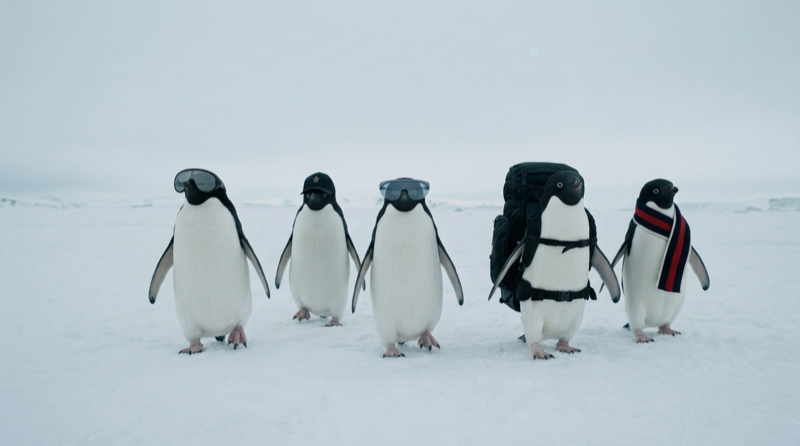
02
/script skill
script
writes your entire reel in seconds
Using the scraped patterns as ground truth, Claude Code writes your complete reel script. Hook, beat-by-beat timeline, voiceover, text overlays, CTA — every element traced back to what actually performs in your niche, adapted to your brand DNA.
reel_script.md
beat map
VO script
text overlays
reel_the_escape.md
01
HOOK — retro office, man frustrated
"making content the old way is dead."
"making content the old way is dead."
02
PIVOT — close-up to camera
"and i'll show you how."
"and i'll show you how."
03
TRANSFORM — modern studio + monolith
"one tool runs everything."
"one tool runs everything."
04
STEP 1 — scrape
"studies every reel in your niche."
"studies every reel in your niche."
05
STEP 2 — script
"writes your script in seconds."
"writes your script in seconds."
06
STEP 3 — edit
"edits your video. adds captions."
"edits your video. adds captions."
07
CTA
"comment CONTENT. free."
"comment CONTENT. free."
$ claude "/script — 30s reel about content automation"
→ Reading patterns.md + brand-dna.md...
✓ 7-beat script written to reel_the_escape.md
→ Reading patterns.md + brand-dna.md...
✓ 7-beat script written to reel_the_escape.md
03

edit
renders your video programmatically
Claude Code takes the script and builds the video in Remotion — places your clips on the timeline, adds word-by-word text overlays in your brand fonts (Shrikhand + Space Grotesk), syncs captions to voiceover, and exports a ready-to-post MP4.
reel.mp4
1080×1920
30fps
captions baked in
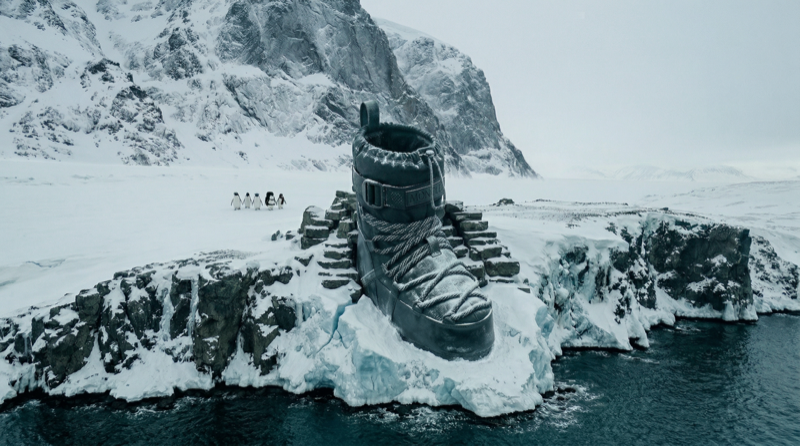
$ npx remotion render src/Root.tsx TheEscape --codec=h264
→ Rendering 900 frames at 1080×1920...
████████████████████░░ 87%
✓ reel_the_escape.mp4 — 2.4MB
→ Rendering 900 frames at 1080×1920...
████████████████████░░ 87%
✓ reel_the_escape.mp4 — 2.4MB
done.
ready to post — no editing software touched
30 seconds
9:16 vertical
captions
brand fonts
VO synced
comment CONTENT
your full-time employee — free

campaign output — zero photoshoots
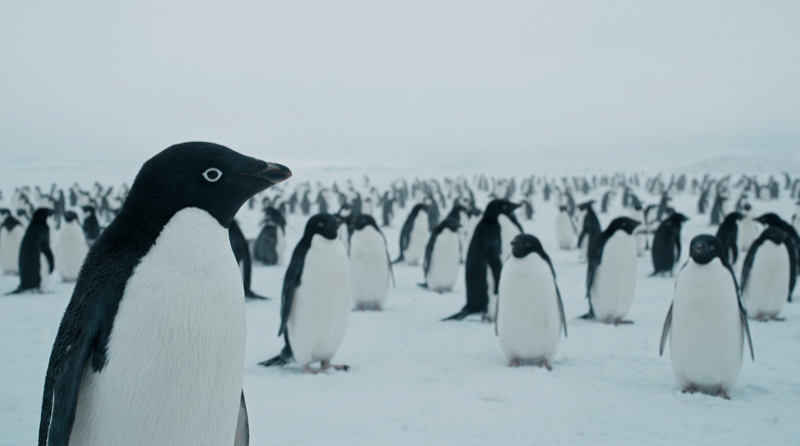
editorial visual world — built from code
⚡
copy → paste → run
get started
paste this into claude code
This single prompt sets up your entire content pipeline. Claude Code will create all the files, install Remotion, configure Apify, and build your first reel script — all from one paste.
Before you paste:
1. Install Claude Code
2. Get a free Apify API token
3. Open your terminal in an empty project folder
4. Run
5. Paste the prompt →
1. Install Claude Code
2. Get a free Apify API token
3. Open your terminal in an empty project folder
4. Run
claude to start Claude Code5. Paste the prompt →
starter prompt
Set up an automated content creation pipeline for my Instagram. Here's what I need:
1. SCRAPING SYSTEM
Create a script that uses the Apify Instagram Scraper API to pull top-performing reels from any creator or hashtag I specify. It should:
- Call the Apify API (actor: apify/instagram-scraper)
- Save reel metadata (caption, duration, plays, music) to scraped-reels/{creator}.json
- Download the MP4 files
- Extract keyframes every 2 seconds using ffmpeg
- Save frames to scraped-reels/frames/
Store my Apify token in .env as APIFY_TOKEN
2. PATTERN ANALYSIS
After scraping, analyze all the keyframes and metadata to build a patterns.md file that documents:
- Hook formulas that work (first 3 seconds)
- Cut rhythm and pacing
- Text overlay style and typography
- Color grading patterns
- CTA mechanics
- Audio patterns (VO-led vs music)
3. CONTENT SKILL
Create a /script slash command skill (as a markdown file) that:
- Reads patterns.md as ground truth
- Reads my brand-dna.md for visual identity rules
- Writes a complete reel script with: hook, beat-by-beat timeline, voiceover script, text overlay specs, and CTA
- Every element must be sourced from scraped patterns, then adapted to my brand
4. REMOTION SETUP
Initialize a Remotion project for programmatic video editing:
- npm init video with Remotion
- Create a composition for 9:16 vertical reels (1080x1920, 30fps)
- Set up components for: word-by-word text overlays, image sequences with Ken Burns zoom, black card beats, caption rendering
- Use Google Fonts: one display serif + one clean sans-serif
- Create a render script that exports MP4
5. CLAUDE.MD
Write a CLAUDE.md that ties it all together:
- Documents the full pipeline (scrape → analyze → script → render)
- References all skill files
- Includes brand rules and content guidelines
- So that next time I open Claude Code, I just say "make me a reel about X" and it runs the full pipeline
6. BRAND DNA
Create a brand-dna.md template I can fill in with:
- Color palette (hex codes)
- Typography system (headline + body fonts)
- Visual style rules
- Tone of voice
- What the brand IS and IS NOT
Start by creating the folder structure, then build each piece. Ask me for my Apify token and brand details before proceeding.